
How to build a barcode inventory system that your team will use
September 7, 2026 · 7 min read
Turn labels and scanners into a dependable daily workflow with clear item records, consistent placement, and simple scanning rules.
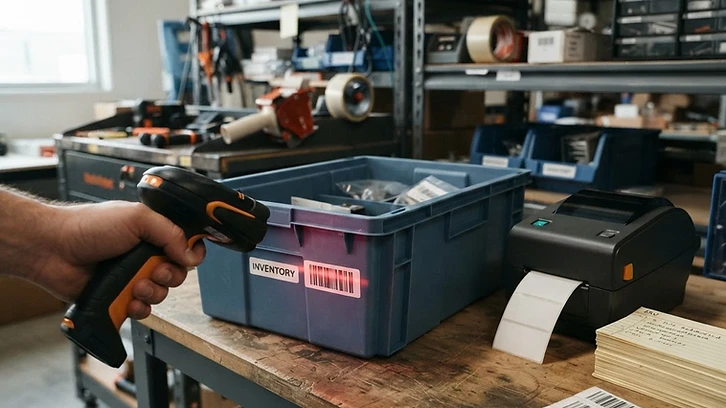
A barcode system works best when the label supports a clear inventory process. Start by giving every item a unique SKU, deciding which barcode format your team will use, and confirming that the printed code scans reliably from the distance and angle expected during daily work.
Place labels where they are easy to reach without moving stock or opening packaging. Keep the same placement across similar products, and label both the item and its storage location when workers need to confirm that stock is being returned to the right shelf or bin.
Define a small set of scanning actions such as receiving, counting, transferring, and issuing stock. Each scan should lead to one obvious next step so team members do not have to interpret what the system expects.
Test the workflow in one inventory area before rolling it out everywhere. Watch for damaged labels, duplicate records, confusing product names, and locations where connectivity or lighting makes scanning difficult.
Finally, review scan exceptions instead of treating them as isolated mistakes. Repeated failures often reveal a label placement problem, an unclear item record, or a process that needs fewer steps.